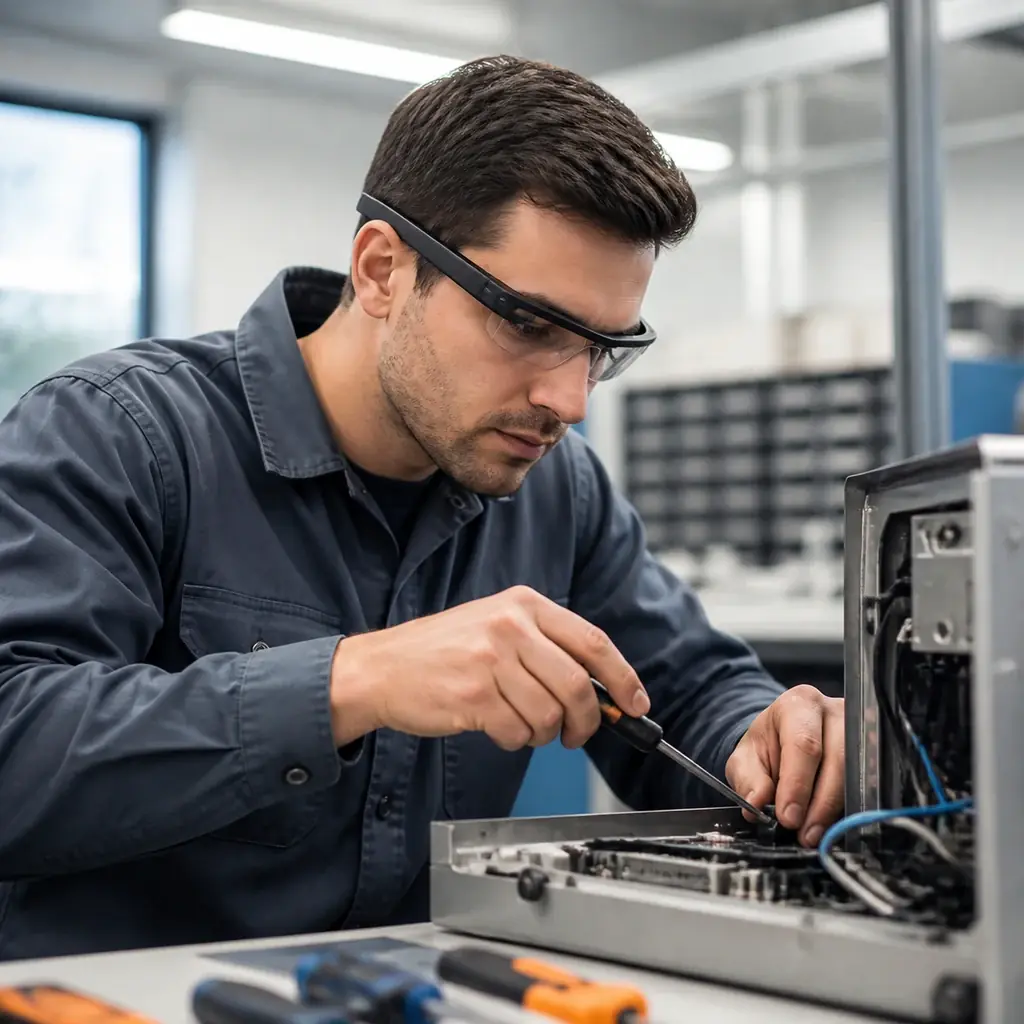
The Scenario
A technician stands in front of a machine they do not service every day. The task is familiar enough to begin, but detailed enough that mistakes are expensive.
Instead of holding a tablet, opening a manual, or calling someone over, they wear smart glasses. The next instruction appears in their view. A part is highlighted. A remote expert can see what they see. The technician keeps both hands free and stays focused on the work.
This is where smart glasses create real value. They bring information closer to the action.
How It Works
Smart glasses are useful when the user needs guidance without constantly looking away.
The device can show step by step instructions, scan codes, recognize objects, display safety prompts, or connect the worker with a remote expert. Some use cases rely on camera based recognition. Others rely on simple task guidance and checklists.
The experience should be quiet. A worker does not need a crowded interface in front of their eyes. They need the next useful piece of information at the right time.
The Technical Approach
Smart glasses projects need practical design more than dramatic interface ideas.
- Workflow Selection: Choose a task where hands free guidance clearly saves time, reduces errors, or improves safety.
- Device Fit: Select hardware based on comfort, battery life, camera quality, field of view, and the environment where people will actually use it.
- Interface Design: Keep the UI short, readable, and glanceable, with simple controls and clear fallback behavior.
For some projects, Unity is a strong choice because it supports immersive interfaces and 3D guidance. For other projects, native development is better because the workflow depends on device features, scanning, or backend integration.
Why It Matters
Smart glasses are not useful because they look advanced. They are useful because they remove friction from work that already exists.
- Maintenance teams can follow guided procedures without touching a screen.
- Warehouse workers can scan and confirm items faster.
- Security teams can receive recognition and context in the field.
- Remote experts can support staff without traveling to the site.
The customer value is attention. People can keep their focus on the task while the system supports them quietly.
That is the difference between a wearable demo and a wearable workflow.